The Moment AI Actually Clicked For Me

Initially, when I first got my hands on Copilot early last year, I could not buy into the hype.
I saw it and thought it was worth looking into. Work was kind enough to gift us all the subscription and I’d already been using ChatGPT, so why not? I could see the promise of intelligence there, that window into a future where we’re all talking to our very own Jarvis. But promise and reality are different things.

With Copilot Chat baked into Visual Studio 2022, I asked it about our codebase. We have a massive codebase, and the AI just wasn’t up to it. I tried some code generation, and for small, isolated things it was okay. The problem was to make it work I’d have to have already found my way into the class, into the method - describing an if statement for it to complete was maybe a little helpful for edge cases, but I wouldn’t say miraculous. The autocomplete was pretty cool… but when you asked it to write a test? It would delete the entire test suite and replace it with a single stub.
The best way I could describe it? A helpful super Google. It knew your stack, got you to answers quicker than searching 15 results manually, and 95% of the time it would be the answer you needed. But beyond that and autocomplete, I found very little utility.
We kept the subscription anyhow, kept using autocomplete, but dismissed everything else as hype, of which there was and still is, a tremendous amount. New model releases, AI slop by the markdown-load, scaremongering about Skynet, but not much practical application. Which is what I, as a developer looking to save time, would actually want.
Finding Claude Code
It was around early September, when Anthropic released Claude Code, you could see the utility straight away: it lived on your local machine, it could change files on your local machine. Not just code. Any file. Markdown, TypeScript, images. You could reference literally anything on your computer.
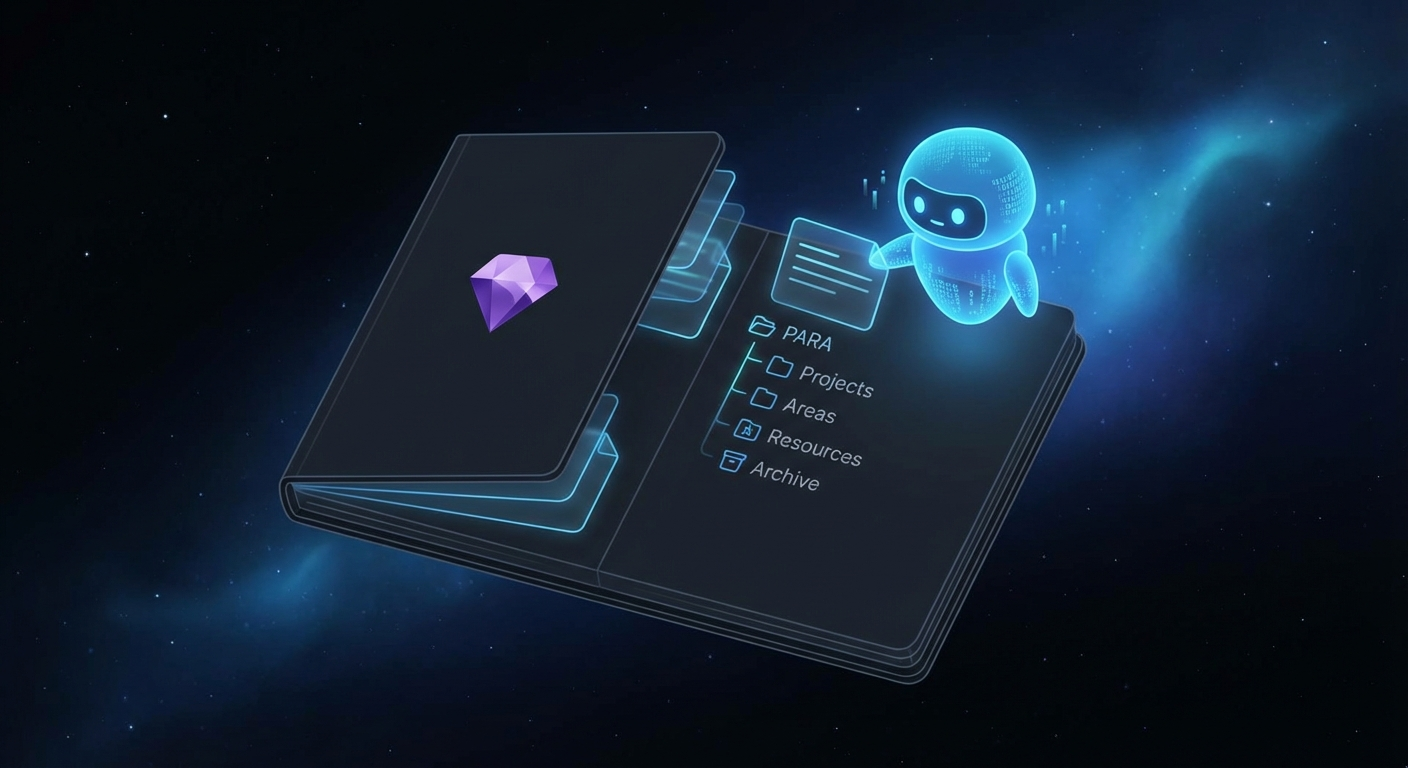
I set it up to manage my Obsidian vault. I had a folder full of prompts that would help me manage it: things like “triage my inbox” or “give me everything that relates to this topic” and “what’s the next step in the project?”. I designed my office using Claude Code in tandem with my Obsidian vault. Not only was it good fun, it was super powerful. So much friction, just vanished over night.
But the real shift came later that year.
The MCP Rabbit Hole
Around November, I started noticing the term MCP quite a lot, and down the rabbit hole I went; realised you could connect the AI you were using locally to tools. That would give the LLM access to private data, rein in the scope or actually allow it to do things.
So I hook up the Playwright MCP to Claude Code and have it do something hello-worldy. And that’s when it hit me: the AI is the brain, and you can plug it into tools to get stuff done. Not just generically, but prescriptively. Exactly what you need.
That inevitably led me to thinking about how I could make my professional life smoother and more efficient. Could I use this new superpower to get ahead at work?
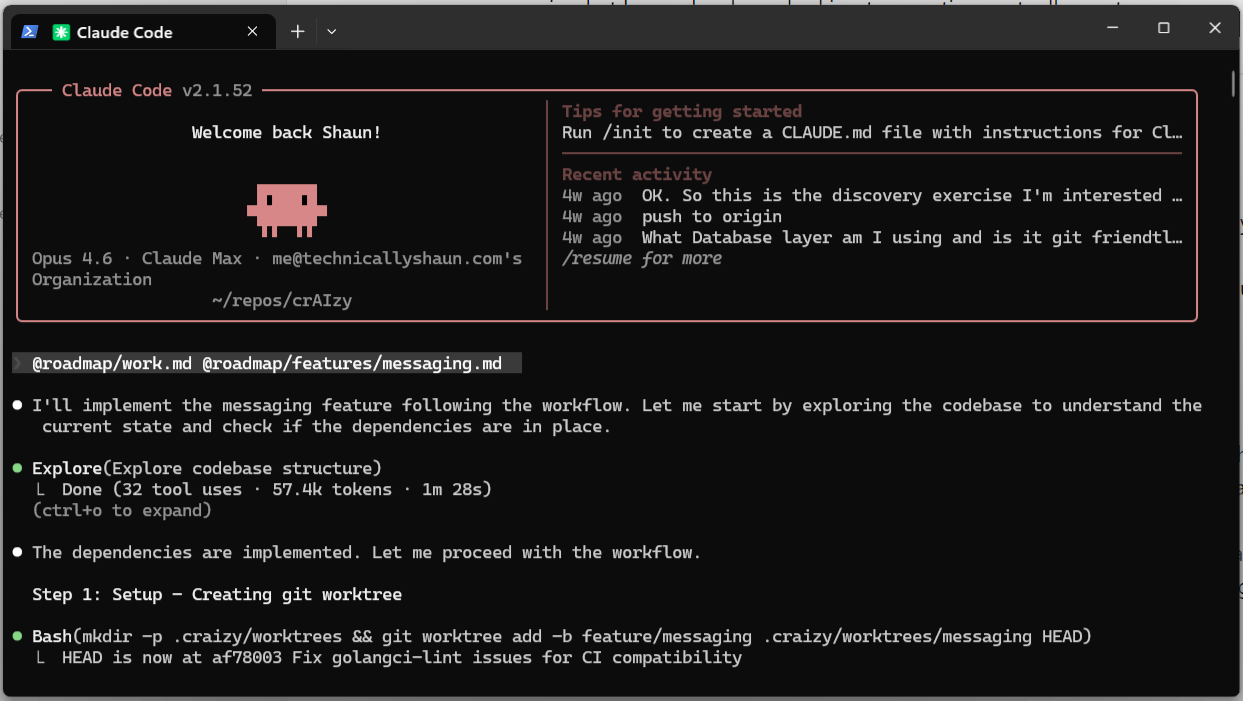
The first thing that hit me: I’d always dreamt of automating our ticketing system. It takes far too many clicks to get anything done. And there was a double win: if I could pull that into an MCP, I could connect the acceptance criteria to the source code with the LLM in the middle. A bit like how Copilot works with GitHub issues. So a Postman MCP later and a few prompts had me my very own connection to our ticketing system.
First Attempt: C# (The Learning Failure)
Naturally, being a .NET developer, I initially wanted to build it in C#. And fair play to the AI, a bit of help from a James Montemagno tutorial and we were away. Set up a Dockerfile and it was live!
But due to how new MCP was at the time, the AI would get confused between STDIO, HTTP and SSE. It really did not go well. Lots of problems calling the tooling and all the fun that comes with building and running Docker containers. It worked, but it wasn’t a win.
My first failure, and I hadn’t even got anything done yet.
Second Attempt: TypeScript STDIO (The Breakthrough)
A lot of the STDIO MCPs were in Python which I was loathed to try, but I soon discovered using Node you could craft a TypeScript MCP - another language I know well.
A simple prompt and fifteen minutes later, I had converted the C# MCP into a fully-fledged, very tiny, very fast TypeScript MCP.
A bit fearful of this newfound power of a non-deterministic technical psychopath holding on to my work to-do list; I stripped it down to a simple “get ticket” function. We don’t need any infinite loops creating a gazillion tickets overnight - possibly resulting with me getting the sack. It breaks down stories and bugs, retrieves the full context (version, epic, acceptance criteria) and hands it to the AI automatically. No more copy-pasting specs from tickets. That saved me a small amount of time and frustration immediately.
When Tools Met AI
What it produced was essentially a TypeScript file that curls a URL, authenticates, collects and returns the response. That’s it. No hosting. No domains. No infrastructure. Just a TypeScript file that could be called by any CLI.
These are pluggable components. Each one gives the AI access to something new and enables it to do something specifically for you.
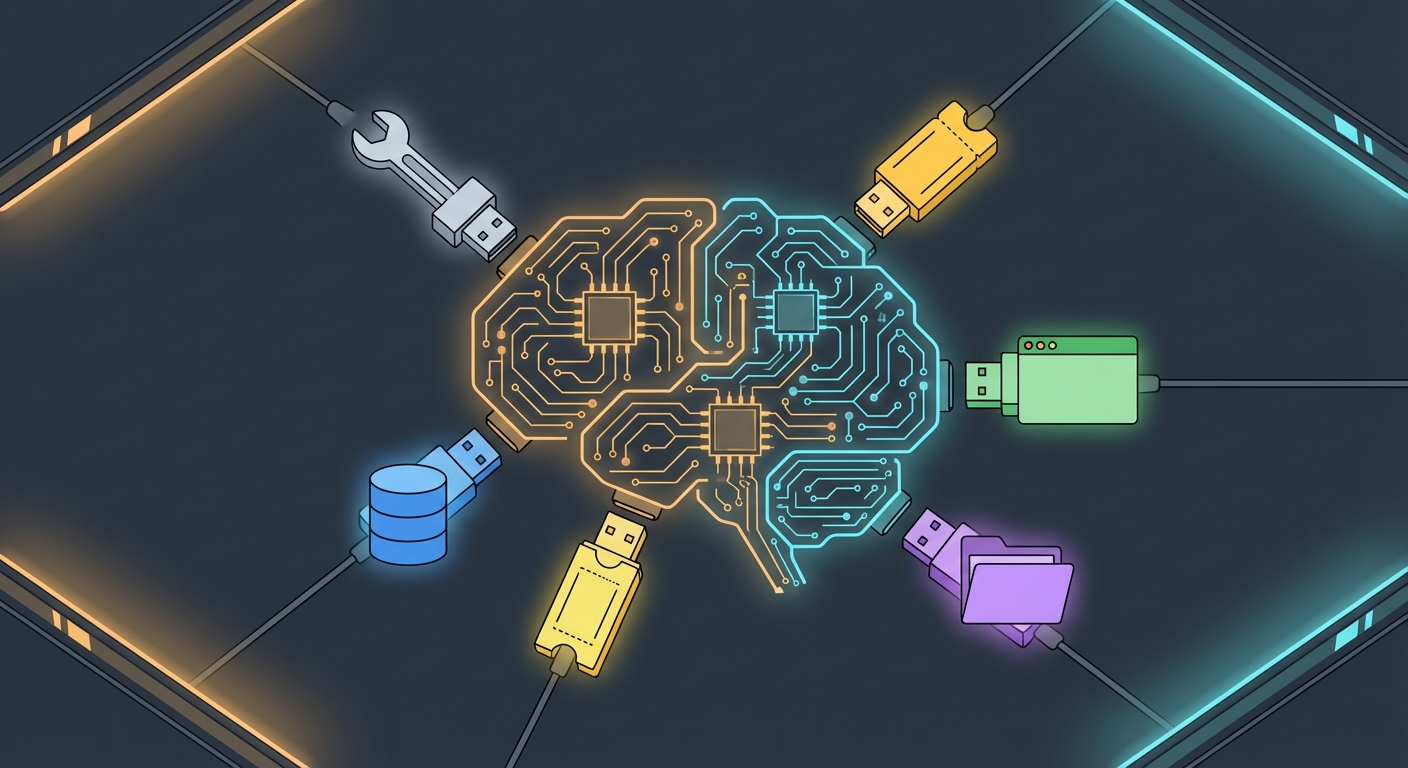
There’s no figuring out how to build a different technology, how to stand it up, worrying about hosting and domain resolution. It’s just a tiny chunk of code. And the cherry on top: most of the time you don’t even have to develop it. The AI will build it for you. A couple of pointers and a feedback loop to know it succeeded, and it’s on its way.
That was the moment AI stopped being a novelty and became a tool I could actually build with.
Another AI Project Is Born
If one small MCP could save me daily frustration, what would happen if I mapped the entire process? From there, the idea was straightforward: if I can map out my entire software development process, in markdown, in mental models, then maybe I can make it more efficient.
The backlog combing. The cleansing, planning and developing. The reviewing and UAT-ing. If I can define each stage well enough and provide enough tools to keep information flowing in, with a feedback loop giving the green or red light at every step… would it work? Could it be autonomous? How fast and reliable would it be?
That’s where my first AI project was born. SDP: a project that takes in prompts and builds skills that the AIs natively utilise. The first iteration of how I’m going to use AI to become a 10x developer.
Leading up to Christmas, vibe coding away, not only did I feel like I was going faster, I’d been having the most fun in years.
And that is when I bought into the hype.
Comments