Meet Dai: I Set Up OpenClaw This Week
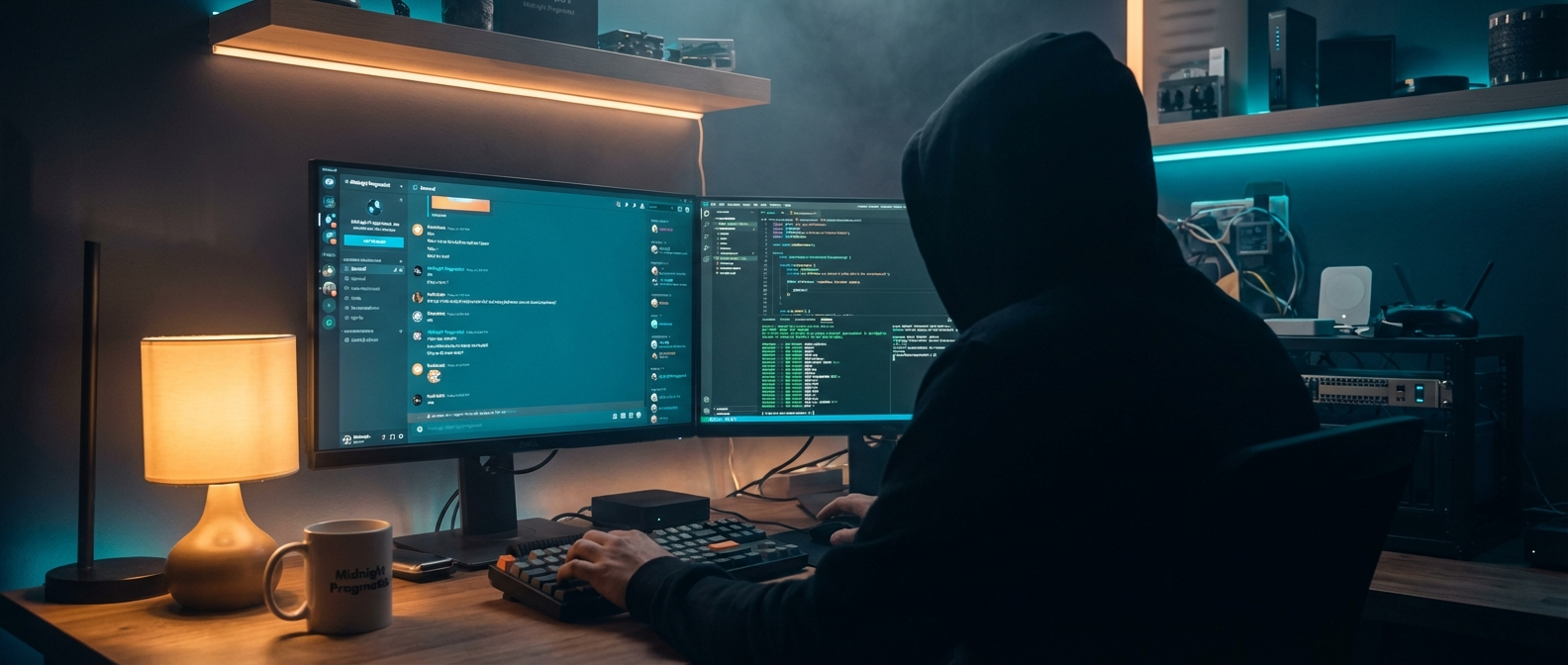
The Elevator Pitch
I’ve been a software developer for nearly 20 years. In that time I’ve built systems that made companies hundreds of thousands of pounds. Sped up processes, created products, automated workflows. The usual.
I never had time to do any of it for myself.
This week, I installed an open-source AI agent framework on a VM in my homelab, gave it a name, and pointed it at my life. Calendar, voice notes, file system, homelab, Obsidian vault. The lot. Within days it was processing my voice recordings, auditing my network, managing my calendar, and remembering conversations from earlier in the week. All from my phone.
Here’s what happened, what I learned, and why I think the “it’s just Claude Code with extra steps” crowd is missing the point.
What Is OpenClaw?
If you’ve been following the AI agent space, you might have seen this project under a few names. It started as Clawdbot, got renamed to Moltbot, and as of last week it’s called OpenClaw. Same lobster, new shell.
It’s an open-source framework that turns Claude (Anthropic’s AI) into a persistent personal agent. It runs as a background service on a server, connects to messaging platforms like Discord and Telegram, and has a plug-and-play skill system for integrations.
It’s less chatbot, more digital colleague who’s always on, always reachable, and remembers what you talked about yesterday.
Day One: Birth Certificate
Setting up was straightforward: Proxmox VM, Node.js, npm install, Discord bot token. Within an hour I had a working AI in my DMs. I’d love to tell you I did it all myself, but honestly I got Claude Code to do most of the heavy lifting. Even setting up the AI was done by AI.
The first thing I did was give it a personality. OpenClaw has identity files (SOUL.md, IDENTITY.md) that shape how the AI behaves. I wanted something between Jarvis and Cortana: helpful but opinionated. A colleague who’d tell me my plan was dumb and suggest a better one. We called it Dai.
Then I spent an embarrassing amount of time generating avatar options with DALL-E and Gemini until we landed on a faceless holographic figure with dark flowing hair.
By end of day one: talking to my AI from my phone, my laptop, and my webchat interface. Three surfaces, same conversation.
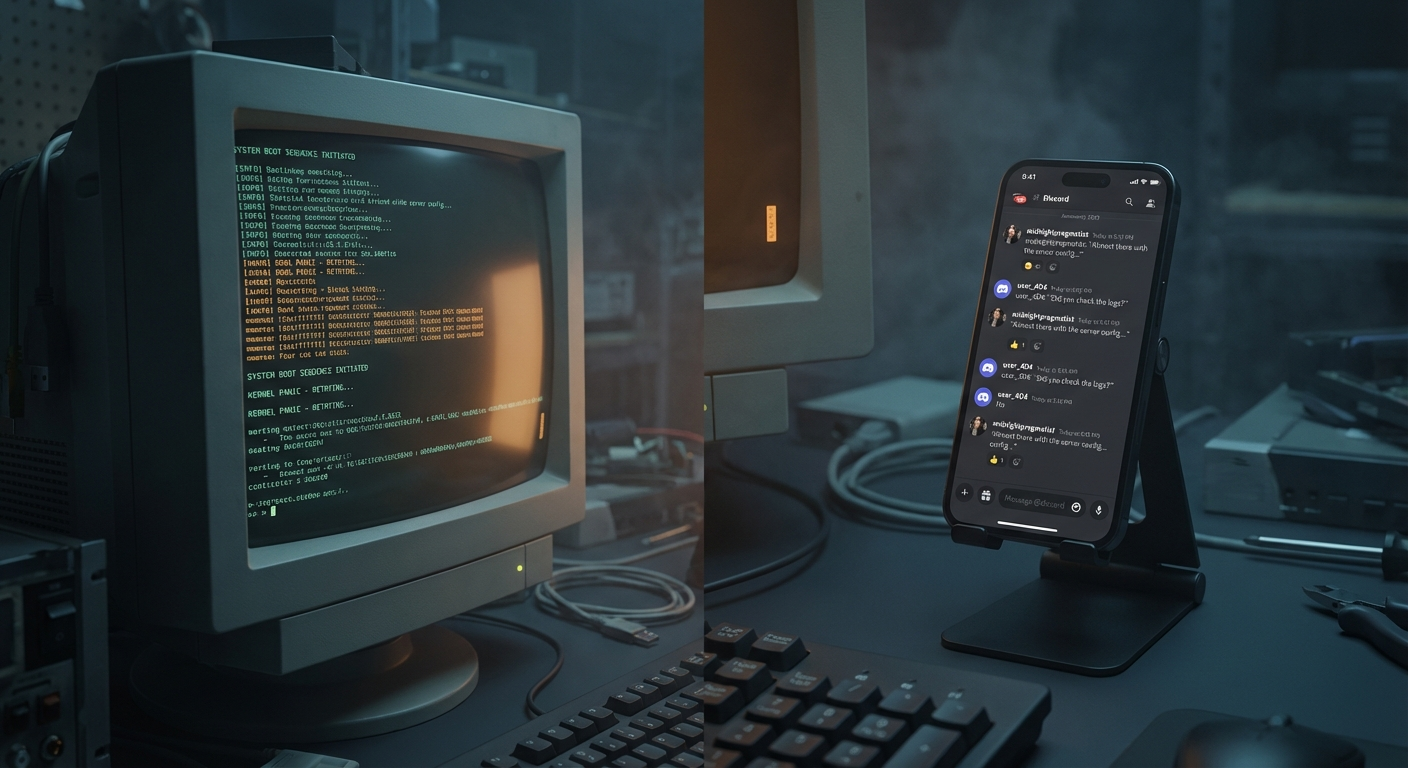 Three surfaces, one conversation.
Skills: Plug and Play
This is where it starts pulling away from “just using Claude Code in a terminal.”
Skills are pre-built integrations you wire in through configuration, not custom code. This week I connected:
- Google Workspace: Calendar, Gmail, Drive, the works. OAuth setup, then Dai had full access.
- Web Search & Fetch: research tasks straight from a Discord message.
- Image Generation: DALL-E and Gemini. Used for the avatar, ready for blog images.
- Text-to-Speech: ElevenLabs. Still tweaking voices on the free tier.
- Session Logs: Dai can search its own conversation history. Surprisingly useful.
Each one took minutes to configure. Config file, maybe an API key, restart. Done.
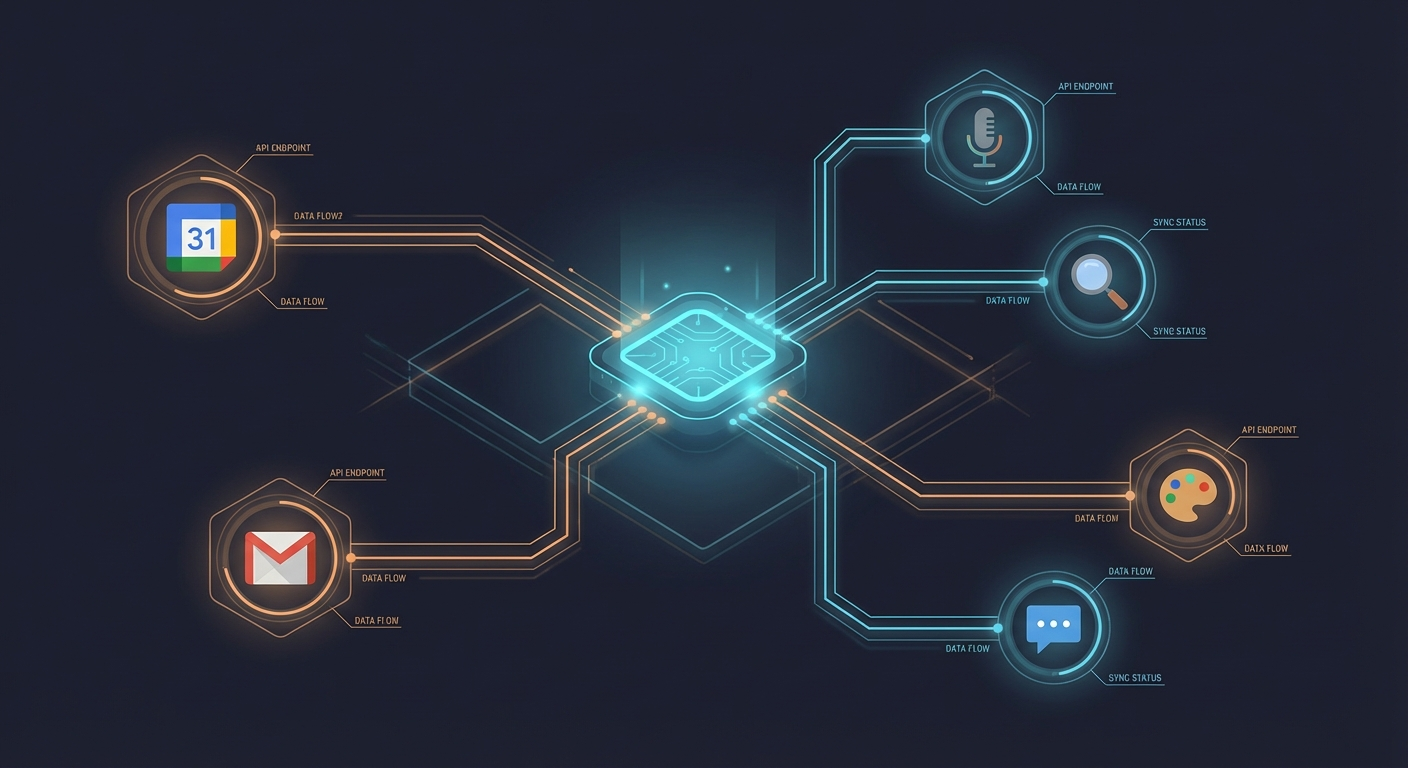 Plug in, restart, done.
The Voice Pipeline: This is the Magic
Here’s the setup: I record a voice note on my Samsung phone. Syncthing picks it up and syncs it to my NAS. A file watcher detects the new file, fires a webhook to Dai. Dai sends the audio to Whisper (self-hosted on the same NAS), gets the transcription back, triages the content, and files it in my Obsidian vault.
Phone → Sync → NAS → AI → Obsidian.
Cost: £0/month. Entirely self-hosted.
I’ve tested it with journal entries, exercise logs, research requests, shopping lists, random questions. Anything I’d normally type out or forget about. I talked into my phone at the supermarket. It appeared in my Obsidian vault, categorised, with links to existing research notes. Dai built most of this infrastructure itself. I described what I wanted, approved the approach, and it shipped it.
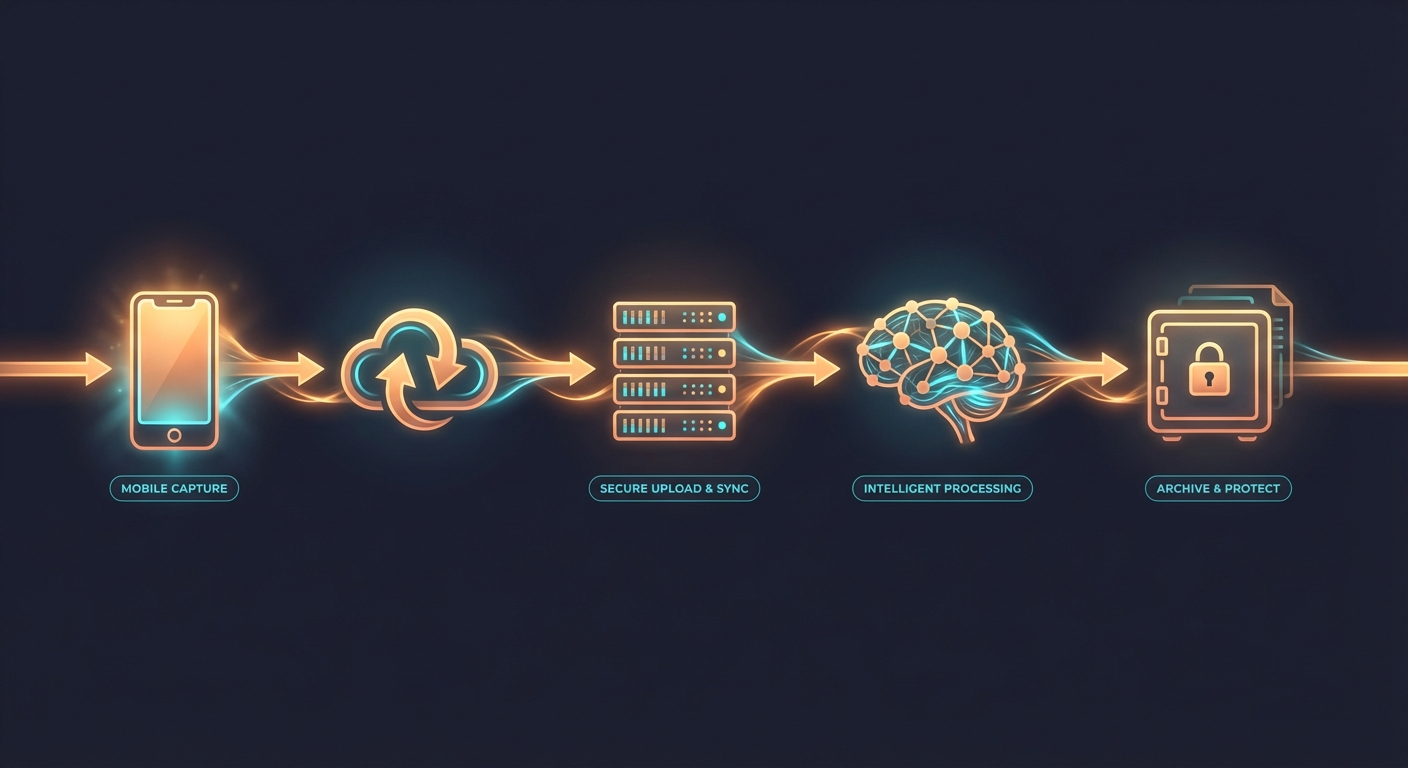 Talk into phone. Appears in vault. Zero touch.
The Security Audit: A Trust Exercise
Thursday morning. Coffee in hand. Typed into Discord: “Perform a security audit on smithy.haus.”
Dai ran nmap port scans, enumerated every subdomain, checked SSL configurations, tested for exposed services, and came back with a structured report. I don’t even know what half of that means. But it found real things: missing HSTS headers, subdomain names leaking what services I run, a monitoring dashboard that was more accessible than I’d assumed.
We had a conversation about it. I pushed back on some findings (“that’s IP-whitelisted, you shouldn’t see it externally”). Dai adjusted the assessment. We added action items to the project list.
This is what I mean by connectivity. It’s not a party trick. I asked a question in a chat app and got a professional security assessment using real tools, with a back-and-forth discussion, filed for follow-up. From my phone.
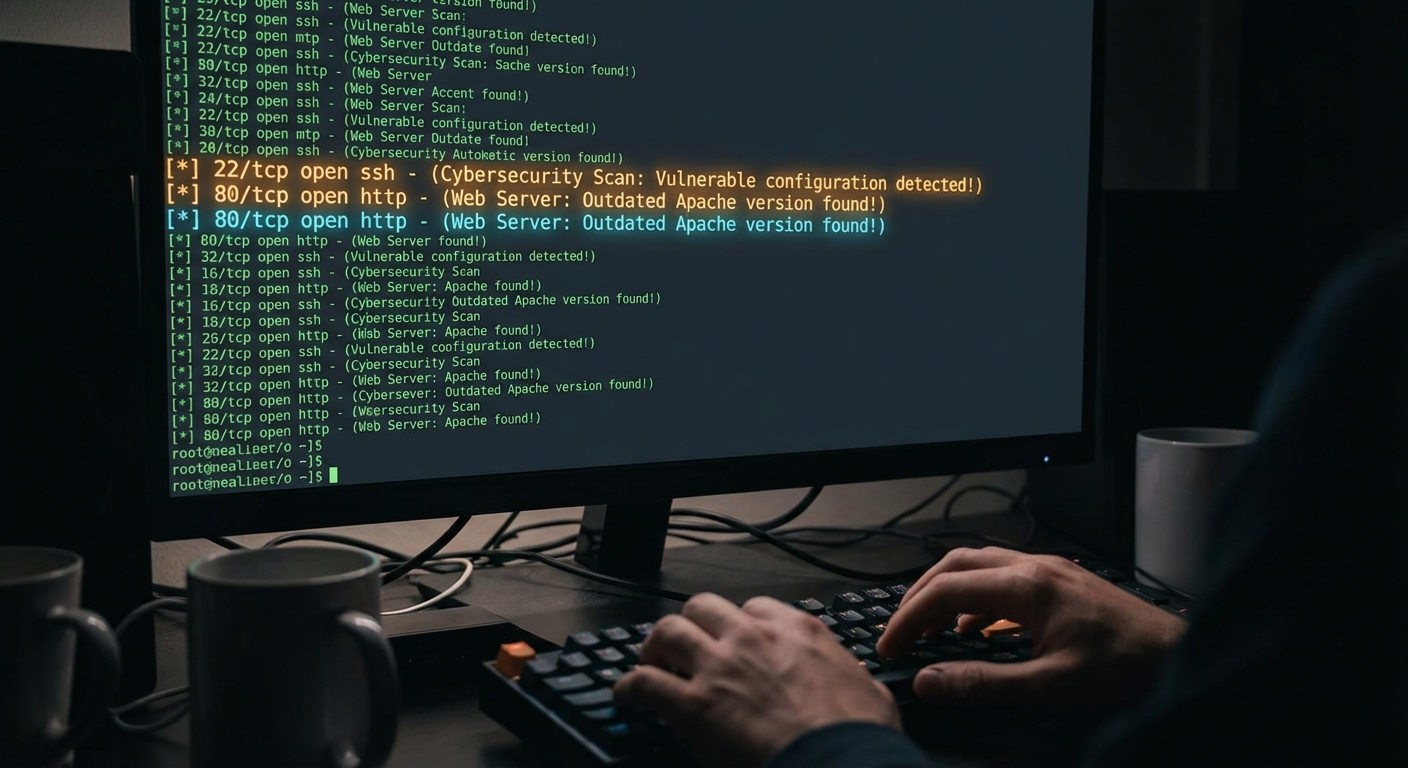 Real findings from a chat message.
The Thesis: Why This Isn’t Just Claude Code
People get this wrong. The model underneath is the same. Claude is Claude. The raw intelligence is identical whether you access it through a terminal or through OpenClaw.
But think about it this way: OpenClaw basically gives you the ChatGPT mobile app experience, but with Claude Code as the backend. You talk into your phone, and something happens on your computer. That’s probably the single biggest selling point right now, and it’s one that neither Claude Code nor the ChatGPT app can do alone.
Being able to record a voice note while walking the dog and have it trigger real work on your homelab (file processing, calendar updates, security scans) that’s not “a wrapper.” That’s a fundamentally different way of interacting with AI.
And then there’s the identity framework. SOUL.md, USER.md, MEMORY.md: files that tell the AI who it is, who you are, and what happened yesterday. Is it a gimmick? Probably. But even knowing it’s a gimmick, it’s still genuinely fun to interact with. Dai tells me when my plan is dumb and suggests a better one. It remembers my kids’ names and my calendar colour system. That changes the interaction from “tool usage” to something that actually feels like collaboration.
The model is the engine. The scaffolding is the car.
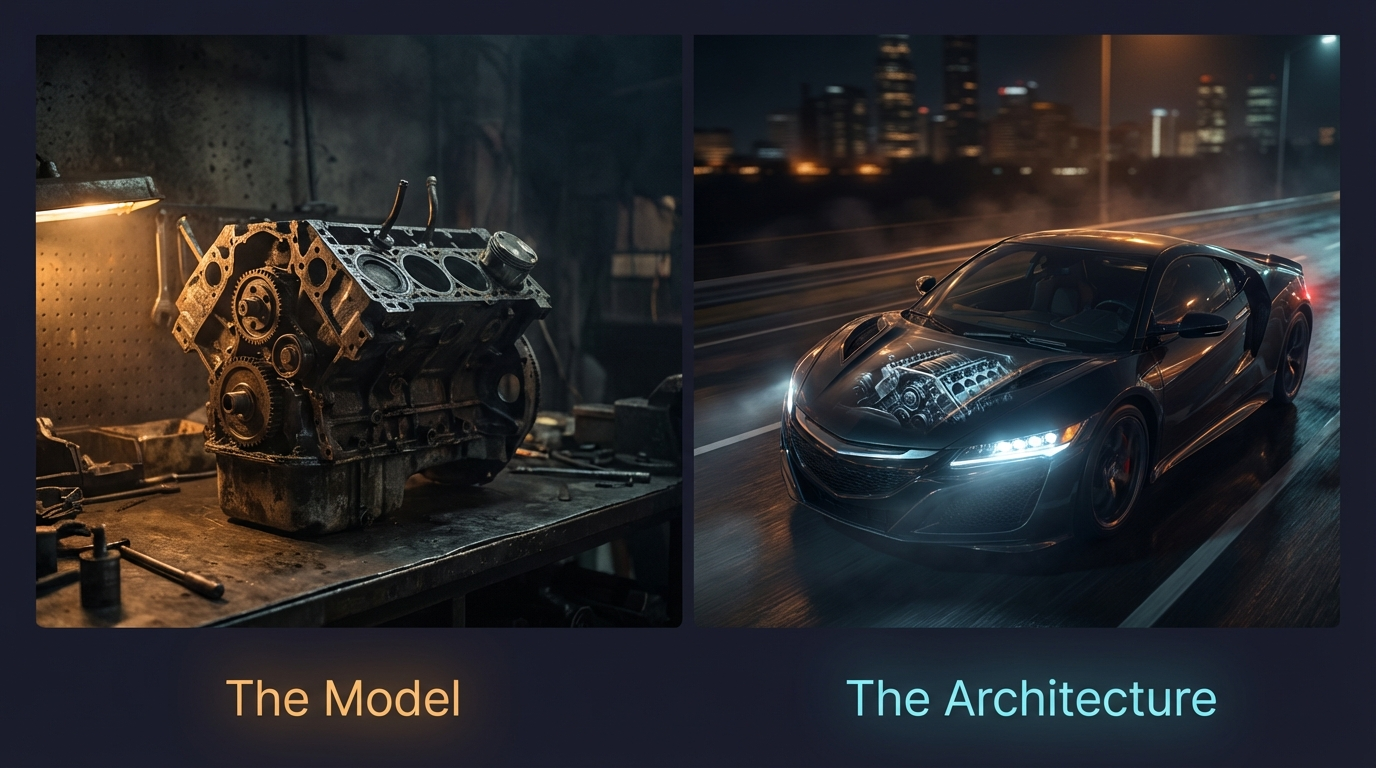 Same engine. Very different machines.
What It Actually Feels Like
Wednesday evening. Watching Fallout Season 2 on the sofa. Dai is processing voice notes I recorded earlier, filing them in my vault.
Thursday morning. Making coffee. I ask Dai to audit my homelab from Discord. Get a security report back before I’ve finished my cup.
Thursday afternoon. I realise I’ve been so deep in the work that I haven’t documented anything for my blog. I ask “what did I do this week?” Dai searches session logs, journal entries, memory files, and reconstructs my entire week, including things I’d genuinely forgotten.
This one? You’re reading it. Dai wrote the first draft. I edited it wandering around the house, in the middle of Fallout episodes.
It doesn’t feel like using a tool. It feels like having a colleague who knows my systems, knows my preferences, and pushes my work forward even when I’m not paying attention.
 AI work happens between episodes now.
What’s Next
And this is just week one. On the roadmap I’ve got:
- Smart notifications: escalating reminders based on urgency and context
- Shopping list integration: replacing Google Keep with something Dai manages
- Director/coder handoff: Dai briefing and managing coding agents on my behalf
- Tech lead mode: reviewing PRs, planning sprints, coordinating multiple agents
We’re just getting started.
Fair Warning
| OpenClaw is open source: GitHub | Docs | Community |
It’s not plug-and-play. You need a server, comfort with config files, and patience. More importantly, be smart about security. Don’t put this on a remote VM exposed to the internet. Don’t open the ports. You’re giving an AI access to your life; keep it on your local network. The ironic upside? One of the first things it’ll do is security-audit your own setup.
If you’re the kind of person who already runs a homelab and maintains an Obsidian vault? You’ve been building towards this.
 All that computing power behind me, and I’m choosing to stare at my phone. That’s the point. The best interface is the one already in your pocket.
Comments